Rule one: buy for your ecosystem
Wearables live or die by how well they talk to your phone. An Apple Watch requires an iPhone and will not pair with Android at all. Wear OS watches from Google and Samsung work best with Android, and some Samsung health features — like ECG and blood-pressure tracking — need a Samsung phone. Garmin, Polar, Coros and Amazfit are the exception: they work on both platforms with their own apps, which makes them the safest choice if you might switch phones.
Smartwatches and fitness trackers
Everyday smartwatches
Apple Watch and Galaxy Watch lead on apps, payments and notifications, but typically need charging every one to two days. Pixel Watch sits in between with strong Fitbit health tracking.
Sports and outdoor watches
Garmin Forerunner and Fenix, Coros and Suunto models offer accurate multi-band GPS, training metrics and battery life measured in weeks. Smart features are more limited.
Smart rings
Oura, Samsung Galaxy Ring and Ultrahuman focus on sleep and recovery. They are discreet and comfortable but have no screen, and some require a monthly subscription for full insights.
Health metrics deserve healthy scepticism. Heart rate during steady activity is generally accurate on wrist devices; calorie estimates and sleep staging are not. Treat trends over weeks as meaningful and single readings as noise. Only features cleared by regulators such as the FDA or carrying a CE medical marking should be relied on for medical information.
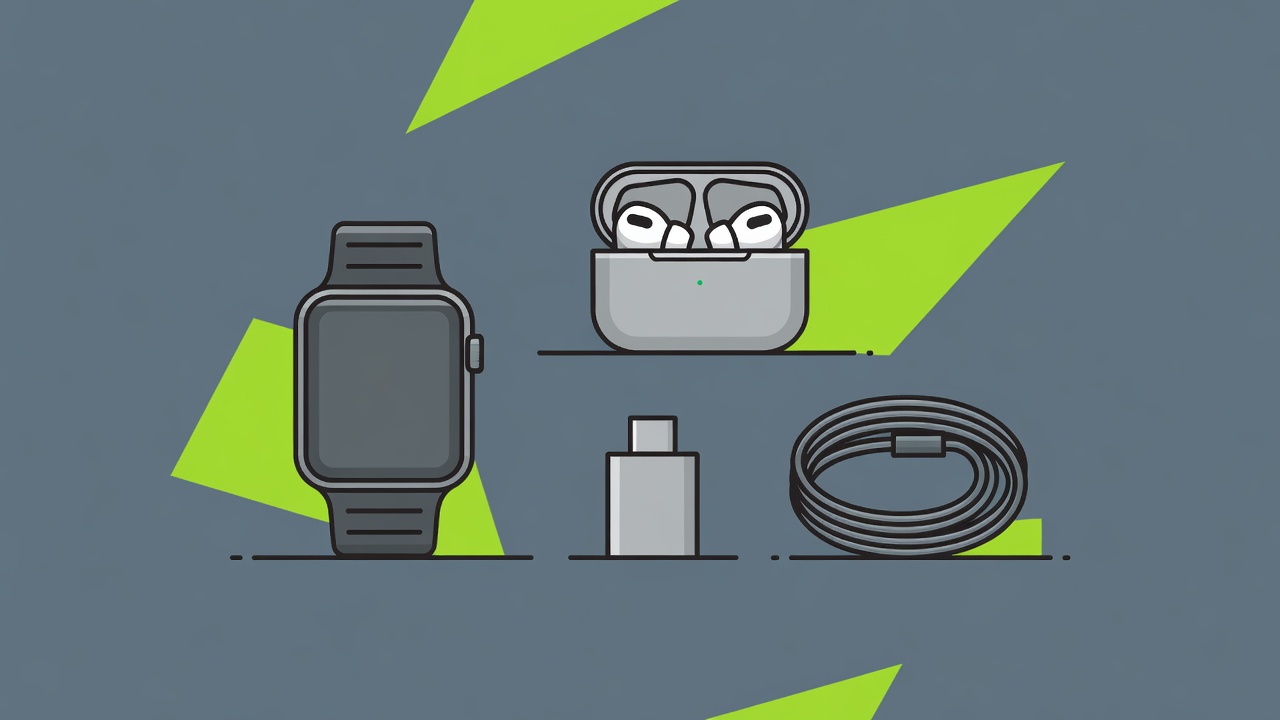
Earbuds and headphones
Like watches, earbuds favour their own ecosystem. AirPods switch seamlessly between Apple devices; Galaxy Buds unlock higher-quality codecs on Samsung phones; Pixel Buds integrate with Google Assistant. Sony and Bose remain strong cross-platform choices for noise cancellation.
Look for Bluetooth LE Audio and the LC3 codec on newer models — it improves efficiency and enables Auracast broadcast audio. A fit test feature and replaceable ear tips matter more for sound quality than codec specifications.
"The most useful accessory most people never buy is a single good USB-C charger that powers everything they own."— Selectlarankwhz accessories editor
Chargers, cables and power banks
Chargers: Gallium nitride (GaN) chargers are smaller and run cooler than older silicon designs. A 65 W multi-port USB Power Delivery charger can handle a phone, earbuds and most thin laptops. For larger laptops, check whether you need 100 W or the newer USB PD 3.1 extended range up to 240 W.
Cables: Not all USB-C cables are equal. Look for USB-IF certification and the wattage printed on the packaging — 60 W cables limit laptop charging, while 240 W cables cover everything. Data speeds vary too; a cheap charging cable may only transfer at USB 2.0 speeds.
Power banks: Airlines, following FAA and IATA guidance, generally allow power banks up to 100 Wh in cabin baggage without approval — about 27,000 mAh at 3.7 V. Power banks are never allowed in checked luggage. A 10,000 mAh bank with 20 W PD output covers a full phone charge in a pocketable size.
| Accessory | Spec to check | Avoid |
|---|---|---|
| Wall charger | USB PD + PPS, GaN, 30–65 W | Unbranded chargers without safety marks |
| Wireless charger | Qi2 certification | "Qi-compatible" with no certification |
| USB-C cable | USB-IF certified, 60 W or 240 W rating | Unmarked cables for laptop charging |
| Power bank | Under 100 Wh, PD output | Inflated capacity claims |
| Phone case | Raised lip, drop-test rating | Cases that block magnetic charging |
Protection worth paying for
A tempered-glass screen protector and a case with raised edges prevent most repair bills. Replacing a flagship screen can cost $250–$400. If your phone supports Qi2 or MagSafe, choose a case with built-in magnets so wireless chargers and mounts align properly.
Next step: read answers to common buying questions